Mixpanel integration for iOS & Android — track, analyze, grow
Product analytics for mobile teams: SDK setup, event taxonomy, funnels, retention, and revenue tracking on iOS and Android — without polluting your codebase.
- Mixpanel
- iOS
- Android
- Product analytics
- Growth
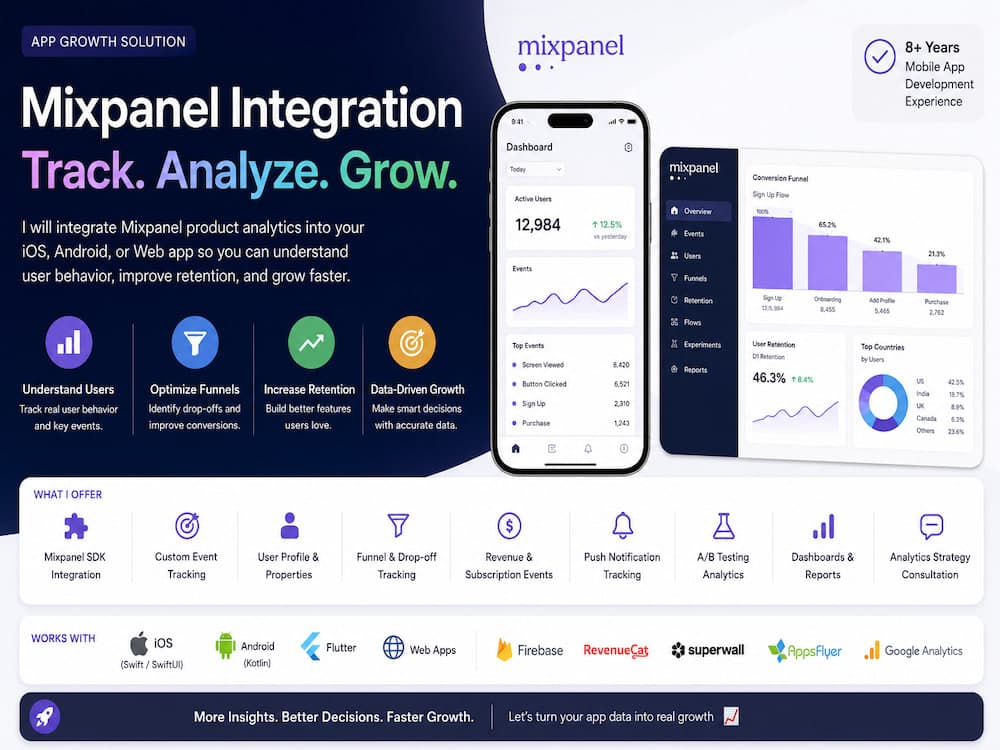
If you ship a mobile app without structured analytics, every product decision becomes a guess. Mixpanel gives you event-level visibility into what users actually do—sign-up funnels, feature adoption, retention cohorts, and revenue—so you can fix drop-offs and double down on what works.
A solid integration is more than dropping in the SDK. You need a naming convention for events and properties, identity rules (anonymous → logged-in), and parity between iOS and Android so dashboards compare apples to apples. I typically start with a short analytics spec: north-star metric, 5–10 core events, user profile fields, and which funnel you need in the first sprint.
What clients usually ask for maps directly to growth: Mixpanel SDK integration (Swift/SwiftUI on iOS, Kotlin on Android), custom event tracking, user profiles and super properties, funnel and drop-off analysis, subscription and revenue events (often wired with RevenueCat or StoreKit), push notification attribution, and dashboards your team can use without a data scientist.
Mixpanel also plays well with the rest of your stack—Firebase for auth and remote config, AppsFlyer or similar for acquisition, Superwall for paywalls—when you define clear boundaries: which tool owns installs, which owns in-app behavior, and how IDs are stitched after login.
Whether you are launching an MVP or cleaning up years of ad-hoc logging, the goal is the same: trustworthy data, fast time-to-insight, and an implementation your engineers can maintain. If you want hands-on help integrating Mixpanel on both iOS and Android, I offer end-to-end setup, event design, and validation against live builds.